Build a Bakery Build Mode & Patio Guide
Decorate smarter counters, rotate furniture cleanly, and expand outdoor seating for more customers.
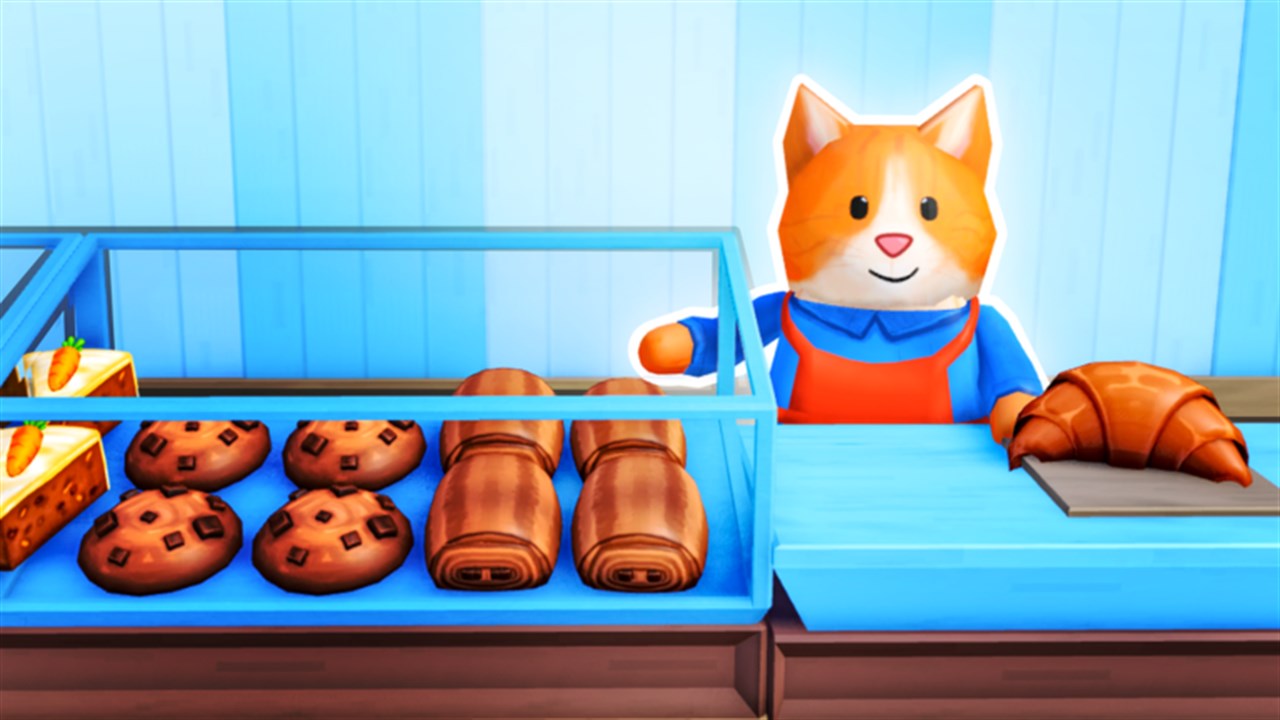
Build Mode turns Build a Bakery from a pure production tycoon into a cozy design game — without ever replacing the Market → Mixer → Oven → Display Case loop. Press [B] to enter, place with Click, rotate with [R], cycle table patterns with [V], recolor with [C], and watch for the outdoor Expand Patio sign when indoor space chokes your customer flow.
This guide covers controls, patio expansion, pathing for helpers, and layout goals that raise serve speed. The embedded video shows a successful bakery business presentation you can mine for furniture density ideas. Game is live on Roblox; visit friends’ 6-player servers to screenshot layouts, then rebuild at home.
Controls cheat sheet
| Input | Action |
|---|---|
| [B] | Enter / toggle Build Mode |
| Click | Place selected furniture / prop |
| [R] | Rotate piece |
| [V] | Cycle table patterns |
| [C] | Recolor / finish variant |
| Outdoor Expand Patio sign | Purchase / unlock more exterior space |
On mobile, use the on-screen Build controls that mirror these binds. If a button seems missing after a patch, rejoin and check Updates.
Why layout affects income
Customers need clear routes from door → Display Case → Register. Helpers need routes from Workstation → Oven adjacency → case. Decorative mazes look cute in screenshots and quietly murder tip rates. Design priority:
- Unobstructed serve path
- Oven / Mixer cluster tight enough for short walks
- Display Cases visible from the entrance
- Register accessible for Midnight Cat
- Patio seating that does not trap NPCs behind fences
Pretty is allowed — after throughput works. Getting Started already warned not to bankrupt Cookie profits on chairs; this page assumes you have upgrade cash.
Entering Build Mode without breaking production
- Stock Display Cases so sales continue while you edit.
- Confirm Honey Bear / Snowy Bunny Set Recipe loops are fed (Animal Helpers).
- Press [B].
- Edit in small batches; exit Build Mode to verify NPC pathing.
- Only then Expand Patio or recolor everything with [C].
Editing for twenty minutes with empty shelves teaches expensive lessons.
Placement & rotation tips
- Place counters flush to walls to widen center aisles.
- Use [R] in 90° mental increments so cases align; crooked cases create invisible snags.
- Keep at least a player-width corridor past the Oven — you will still hand-deliver some trays.
- Put Workstations where you can see their status widgets without spinning the camera through hanging lights.
Table patterns [V] and recolor [C]
[V] cycles table pattern styles so patio sets feel intentional instead of default spam. [C] recolors pieces to match a theme — gingham-adjacent pinks and warm bakery creams fit the game’s cozy tone (and this wiki’s accent). Recolor after placement so you judge silhouette first, palette second.
Theme ideas:
- Morning café — light woods, soft pinks
- Midnight dessert bar — darker woods for Cat’s vibe
- Patio garden — greenery props near Expand Patio edge
Expand Patio
The outdoor Expand Patio sign is your growth valve when indoor seats max out. Expand when:
- Customers queue out the door despite full Display Cases
- Register tips spike but indoor chairs are saturated
- You finished core Oven upgrades and need a new sink for cash
After expanding:
- Lay a straight path from interior door to patio cases or seating.
- Add a visible Advanced tray (Croissant ~$68 energy) outdoors for vibe + sales.
- Recheck helper pathing — some AI hate maze gates.
- Prepare for map changes around the Fri Nov 27 New Area! event (New Area guide · Updates Hub).
Layout templates
Starter efficiency box
Market access near entrance, Mixer + Oven on one wall, Display Case facing door, Register beside exit. Zero patio yet. Maximum Cookie turns.
Dual-helper line
Workstations flanking Mixer, shared Oven, wide case bank, Cat at Register. Use after Bear + Bunny hire.
Patio showcase
Indoor production core unchanged; outdoor seating + secondary case for premium Masterpiece flex once Recipe Book deepens (Recipe Book).
Visiting friends for inspiration
Online multiplayer lets you tour other bakeries in the 6-player server. Note:
- Aisle widths that feel good on mobile
- Where they seat Midnight Cat
- How far patio tables sit from the Expand sign
- Whether they hide ugly storage behind counters
Copy structure, not stolen limited furniture dreams. Return home and rebuild with [B].
Game passes for builders
All four official passes (+1 Build Slot 99 / 129 Robux, More Colors! 199, Advanced Building Tools 549) only expand slots, recolors, or tools. Recipes and Expand Patio stay cash-friendly. Full honesty sheet: Game Passes.
Build Mode vs scripts / codes
Gate TP style script features try to hop locked areas — Expand Patio and legitimate New Area unlocks are the fair path (Scripts). Codes do not decorate for you and remain unconfirmed in Nov 2026 (Codes).
Pre-rush build checklist
- [B] exit confirmed — not stuck in edit ghosting
- Corridor wider than one chair
- Cases stocked after edits
- Cat can reach Register
- Patio expand purchased only with surplus cash
- Patterns [V] / colors [C] match theme without blocking
Related pages
- Getting Started — earn the remodel budget
- How to Bake — stations you are rearranging
- Animal Helpers — pathing partners
- Players Hub — staffing context
- Game Passes — optional Robux build QoL
- New Area Event — Fri Nov 27 exploration prep
- Official Links — play page to load in and build
Build Mode is a multiplier: the same Cookie sells faster in a shop customers can walk. Rotate with [R], pattern with [V], recolor with [C], expand the patio when the line hits the door — and keep the Oven upgrades first in line.
Frequently Asked Questions
Quick answers for bakers climbing the Recipe Book.
How do I enter Build Mode?
Press [B] on keyboard (or the on-screen Build control on mobile), then Click to place furniture.
What do [R], [V], and [C] do?
[R] rotates the selected piece, [V] cycles table patterns, and [C] recolors or changes the finish.
How do I get more outdoor space?
Use the Expand Patio outdoor sign to unlock additional exterior room for seating and displays.
Why should I visit friends’ bakeries?
Online 6-player servers let you study layouts that already work, then recreate better aisle widths and Register placement in your own Build Mode.
Should I decorate before upgrading the Oven?
No. Fund Oven and Display Case upgrades from Cookie sales first, then spend surplus on patio expands and recolors.